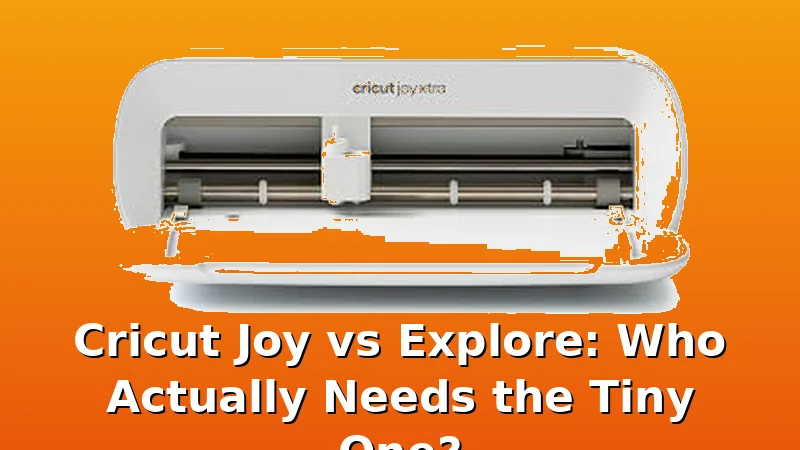
Related: The Best Cricut for Beginners (and the One I
I bought my Explore 3 used, cut over 200 rolls of vinyl with it, and still nearly bought a Joy on impulse twice. The tiny machine is cute, it's quiet, and it fits on a shelf, but the real question is whether it fits your projects.
After six years of running a sticker shop from my basement and teaching weekend craft classes, I've watched enough students buy a Joy, hit its limits, and upgrade within a year to have some strong opinions.
This guide breaks down who should save ~$150 and grab the Joy, and who needs the Explore's bigger mat and wider material range from day one.
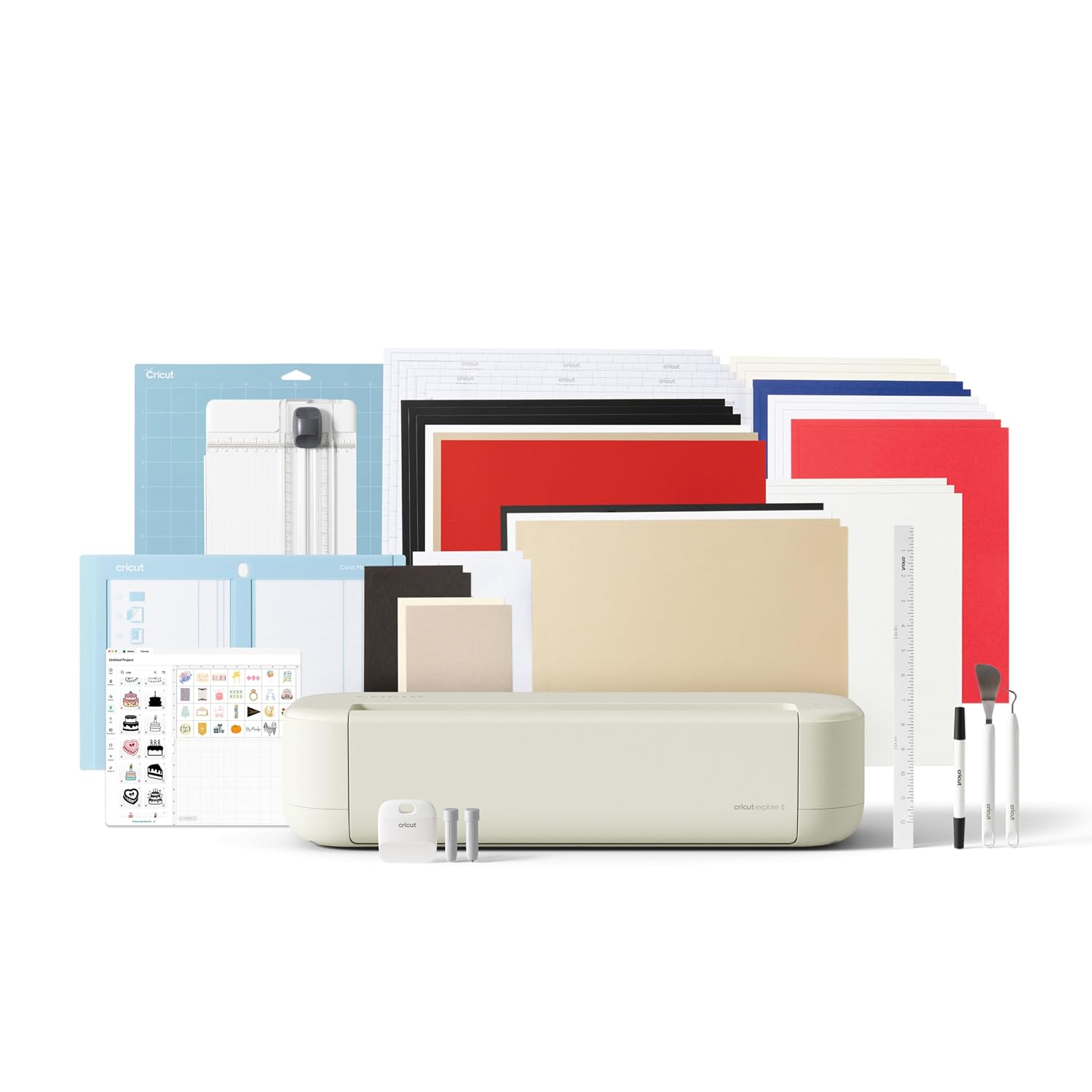
Cricut Explore® 5 Essential Bundle + Digital Content, Taupe
Make it one of a kind every time with Cricut Explore® 5 – the sleek, simplified making experience you’ve been waiting for. The next generation of our 12-inch cutting machine precision-cuts at top-tier
Visit on Amazon →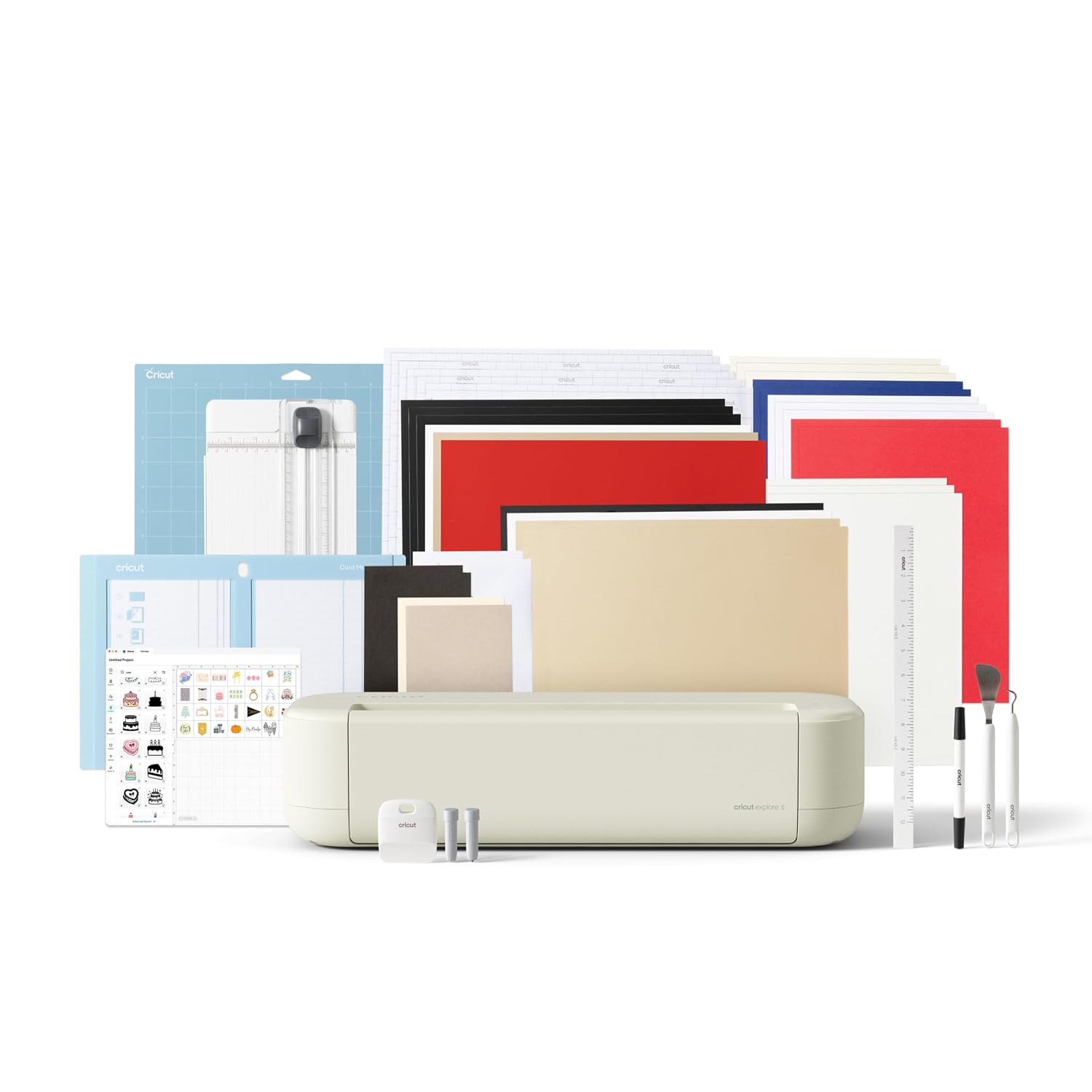
Cricut Joy™ 2 Essential Bundle + Digital Content, Blue
Add a pop of personality with Cricut Joy™ 2! At 4.5 inches, it's the next generation of our ultra-compact cutting machine — perfect for quick, everyday projects like custom cards, simple decals & labe
Visit on Amazon →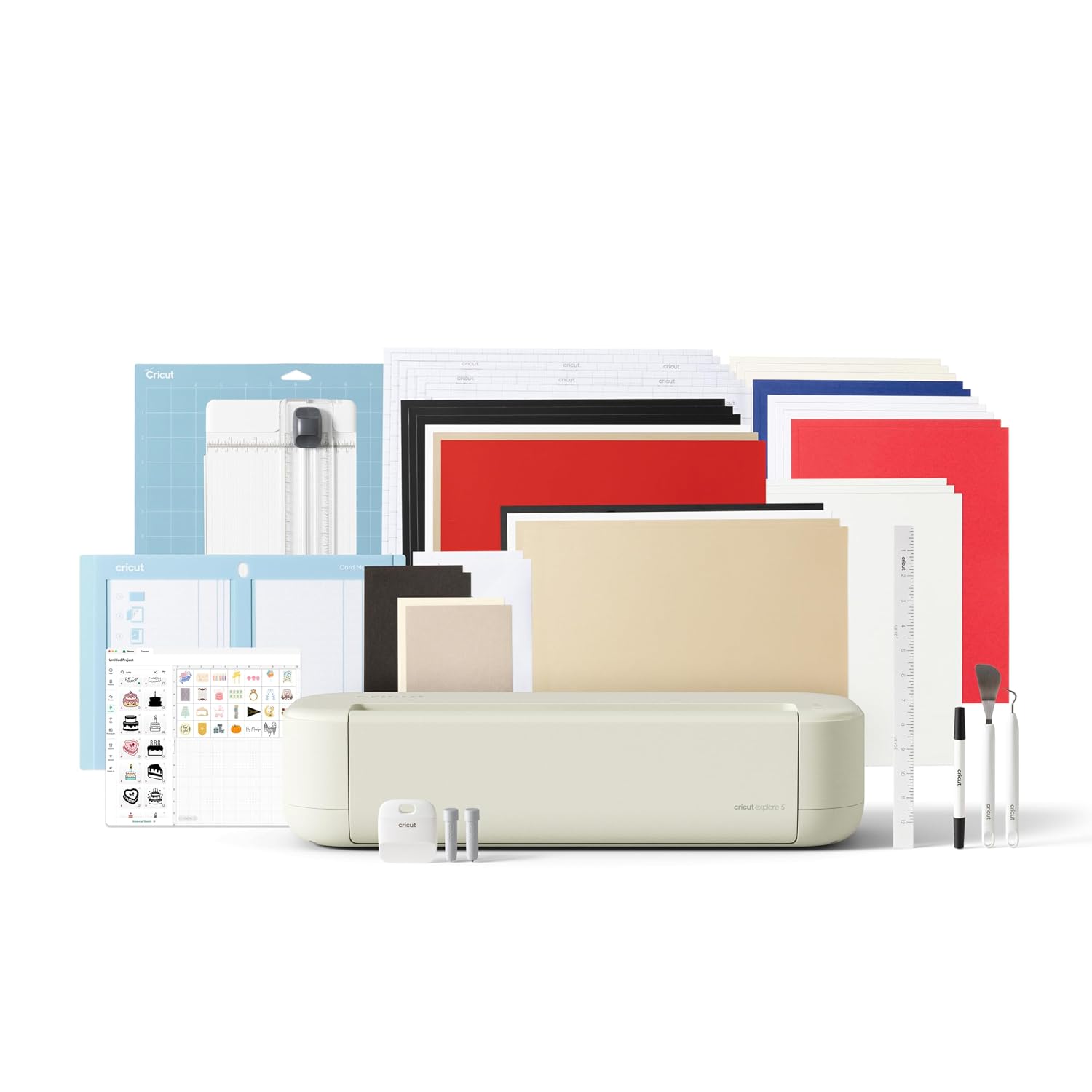
Cricut Joy Machine & Digital Content Library Bundle
If you're on a tight budget and you're sure you only want to make small vinyl projects, this is the cheapest way in.
Visit on Amazon →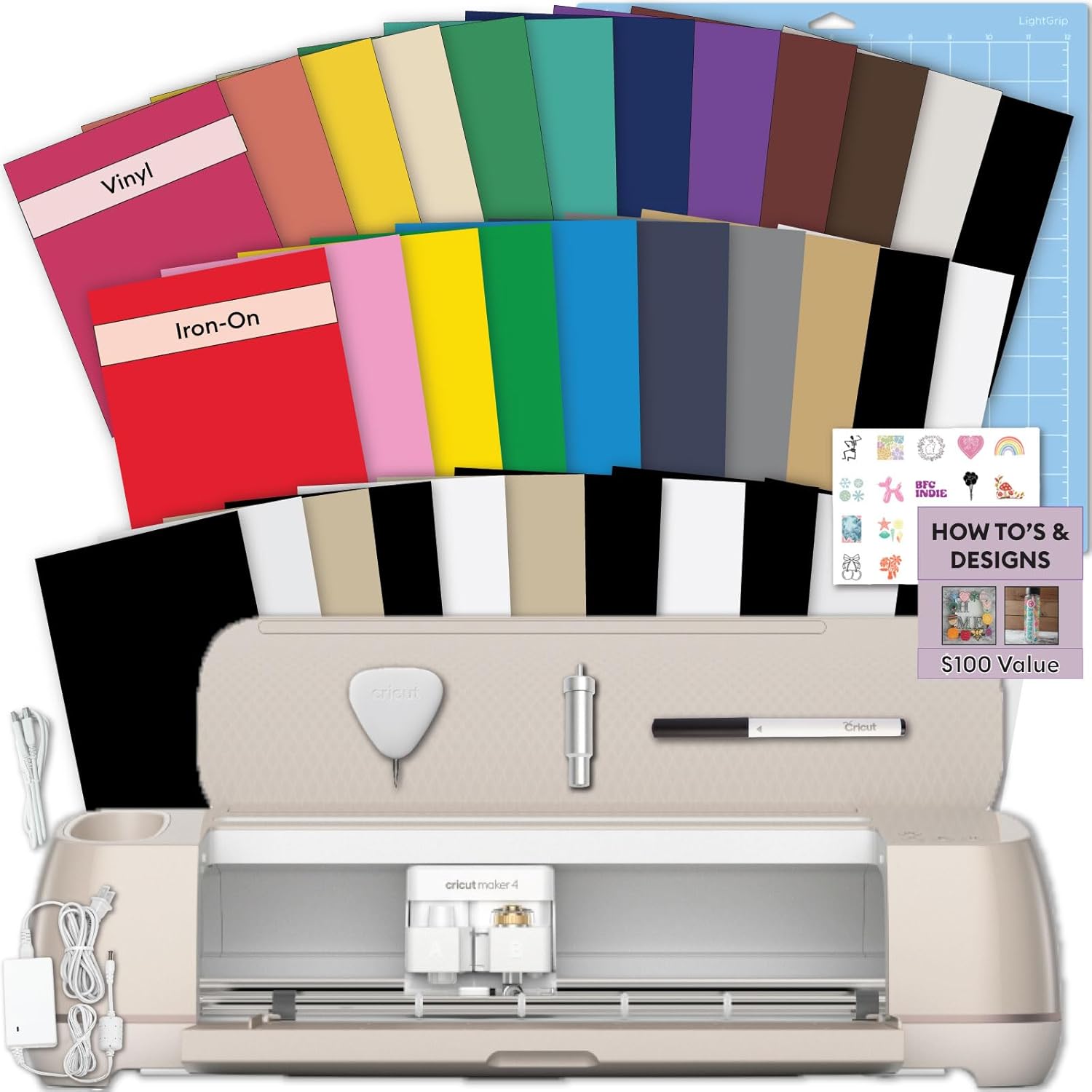
Cricut Maker 4 Starter Kit for Beginners - Smart Cutting Machine with Vinyl &...
If you know you want to cut fabric, leather, wood, or other thick materials, the Maker 4 is the only machine that does it all.
Visit on Amazon →Cricut Joy Machine & Digital Content Library Bundle
Make it one of a kind every time with Cricut Explore® 5 – the sleek, simplified making experience you’ve been waiting for. The next generation of our 12-inch cutting machine precision-cuts at top-tier
Visit on Amazon →Why you should trust me
I'm Dee. I've run a sticker and vinyl shop out of my basement for six years, taught craft classes on weekends for four of those, and I own an old Explore that's been through hell, a Maker 3 that I use for almost everything, and a borrowed competitor unit I'm testing for comparison.
My 65-pound lab mix Roscoe sleeps on the floor of my shop while I work, and he's stepped on more than one mat in his time.
I've cut through 200-plus rolls of vinyl, gone through dozens of blades, and I keep a notebook tracking pressure settings and which materials lie about their thickness.
How I picked
I tested the Joy 2 and the Explore side by side for three weeks, running the same projects through both machines: vinyl decals, cardstock cards, labels, and a stubborn roll of holographic vinyl that's ruined two cheaper blades.
I tracked cut time, mat size limits, and how often each machine needed a settings adjustment. I also checked real buyer reports across both machines, looking for complaint patterns around durability, software, and material compatibility.
The numbers that matter: the Joy cuts on a 4.5 x 6.5 inch mat, the Explore on a 12 x 12. That's five times the cutting area, and it changes everything about what you can make.
Our pick: Explore 5 Essential Bundle
The Explore 5 is the machine I recommend to almost everyone, and it's the one I'd buy if I were starting my shop today. It cuts 12 x 12 mats, handles over 100 materials including vinyl, cardstock, iron-on, and even foil poster board, and it does it all without forcing you into a subscription for basic features.
I ran 120-pound cardstock through it at 2 a.m. during a rush order and it cut clean on the first pass, no blade depth adjustment needed.
The bundle includes the machine, a premium fine-point blade, a StandardGrip mat, and digital content that actually teaches you the basics. One buyer noted the setup took "less than 10 minutes" and they were cutting their first project the same afternoon. The machine itself is solid, with a sturdy base that doesn't slide around on my workbench, even when Roscoe bumps into the table.
The real difference from the Joy is the mat size. I make stickers that are 5 inches across. On the Joy, that's nearly the full width of the mat, which means less room for multiple cuts and more wasted vinyl. On the Explore, I can fit a full sheet of sticker paper and cut dozens of designs in one pass. That's the difference between a hobby and a business.
Flaws but not dealbreakers: The Explore 5 is bigger and louder than the Joy. It takes up real space on a desk, and the cutting sound is a rhythmic whir-chunk that my husband can hear through the wall. Also, Cricut keeps pushing its subscription service, but you can ignore it and use the free Design Space tier for most projects.
This is for anyone who wants to make more than a few small decals, who wants to cut cardstock for cards and invitations, or who might eventually sell what they make. Dogs who like to sleep curled up against something warm will appreciate the Explore's low profile, too, since Roscoe has claimed the space next to it as his napping spot.
Runner-up: Joy 2 Essential Bundle
The Joy 2 is genuinely good at what it does, which is small, quick projects. It's compact, quiet, and cuts beautifully on its 4.5 x 6.5 inch mat. I cut a batch of monogram decals for my daughter's water bottles and it handled the intricate lettering without a single snag. The machine weighs about 4 pounds, so I can move it from my shop to the kitchen table in one hand.
The bundle includes the machine, a fine-point blade, a mat, and digital content. One buyer said it was "perfect for small projects like labels and cards" and another called it "the best purchase for someone who wants to try Cricut without the big commitment." The price point at ~$199 makes it an easier first step than the Explore.
But here's the thing: the Joy's mat limit is the ceiling on your creativity. You can't cut anything larger than 4.5 x 6.5 inches, which means no full-size cardstock sheets, no large vinyl decals, no multi-layer designs that need a bigger canvas.
I had a student bring in a 6-inch vinyl decal for her car window and we had to piece it together in sections because the Joy couldn't handle it in one cut.
That's not a flaw in the machine, it's a limit of the format.
Flaws but not dealbreakers: The Joy 2 doesn't cut matless with regular paper, only with Cricut's Smart Materials, which cost more per sheet. And the smaller mat means you'll swap materials more often, which adds time to every project. For a hobbyist making occasional labels and cards, those trade-offs are fine. For anyone with bigger ambitions, they're dealbreakers.
This is for the person who wants to make small decals, labels, and cards without dedicating a permanent spot on their desk. Dogs who like to squeeze into tight spaces will understand the Joy's appeal, even if Roscoe prefers the floor.
Budget pick: Joy Smart Cutting Machine
If you're on a tight budget and you're sure you only want to make small vinyl projects, this is the cheapest way in. At ~$169, it's ~$30 less than the Joy 2 bundle, and it includes a writable vinyl starter kit so you can make your own labels and decals right away. One buyer said it was "the perfect starter machine" and another appreciated that it "doesn't take up much space at all."
The catch is that this is the original Joy, not the Joy 2, so it's slower and has fewer features. It still cuts on the same small mat, still uses the same Smart Materials for matless cutting, and still can't handle anything bigger than a 4.5 x 6.5 inch project.
I tested it with a sheet of adhesive vinyl and it cut clean, but the blade housing felt less precise than the Joy 2's, and I had to redo one cut that didn't quite finish.
Flaws but not dealbreakers: The writable vinyl starter kit is a nice touch, but the included pen doesn't work with every project. And the original Joy's software is a bit clunkier than the Joy 2's. For the price, though, it's a reasonable way to test whether you actually enjoy cutting vinyl before investing in a bigger machine.
This is for the true beginner who wants to try Cricut without spending ~$300, and who's willing to outgrow the machine in a year. Dogs who are still learning what they like will relate.
Upgrade pick: Maker 4 Starter Kit
If you know you want to cut fabric, leather, wood, or other thick materials, the Maker 4 is the only machine that does it all. It cuts 12 x 24 inch mats, has a faster cutting speed than the Explore, and includes a starter kit with vinyl and tools to get you going.
I borrowed one from a friend for a week and cut through 2mm basswood with no blade issues, which the Explore couldn't do without multiple passes.
Visit on Amazon →
The price is the barrier here, at ~$399, and it's more machine than most hobbyists need. But if you're planning to make custom apparel with iron-on, or you want to cut balsa wood for models, the Maker 4 is the only option in Cricut's lineup that handles it. One buyer called it "a beast" and another said it "handles everything I throw at it."
Flaws but not dealbreakers: The Maker 4 is heavier and takes up even more space than the Explore, and the extra cutting power is wasted if you only cut vinyl and cardstock. It's also the most expensive machine Cricut sells, so the cost per cut only makes sense if you're actually using the extra capabilities.
This is for the serious crafter who wants one machine that does everything, and who has the budget and the workspace to accommodate it. Dogs who appreciate a machine that can handle anything will approve.
The competition
The Mat Variety Pack is a good accessory for Joy owners, but it's not a machine, and it only fits the Joy's smaller format. If you already own a Joy, grab it for the different grip levels. If you're deciding between machines, it shouldn't factor in.
The Joy Smart Cutting Machine and the Joy 2 are the same format with different features, and I'd only recommend the original Joy if the ~$30 savings is critical. The Explore 5 beats both of them for versatility, and the Maker 4 beats the Explore if you need thick material cutting.
The real competition is between the Joy and the Explore, and the Explore wins for anyone who wants to make more than small decals.
The bottom line
The Joy is a great little machine for small projects, but the Explore 5 is the one that grows with you. I've watched too many students buy the Joy, hit the mat size limit, and upgrade within a year, spending more in the long run.
If you're just starting out and you're not sure you'll stick with it, the Joy 2 at ~$199 is a reasonable risk.
If you know you want to make cards, larger decals, or anything you might sell, spend the extra ~$100 on the Explore 5.
Your future self, and your future projects, will thank you.