Buying a Cricut machine is the easy part. The hard part arrives the moment you start searching for supplies, because every result page is stuffed with bundles, blades, mats, transfer sheets, and books that all claim to be the missing piece. New owners tend to buy too much at once, then discover that most of it sits in a drawer while the one item they genuinely wear out, the blade, was the thing they forgot to reorder.
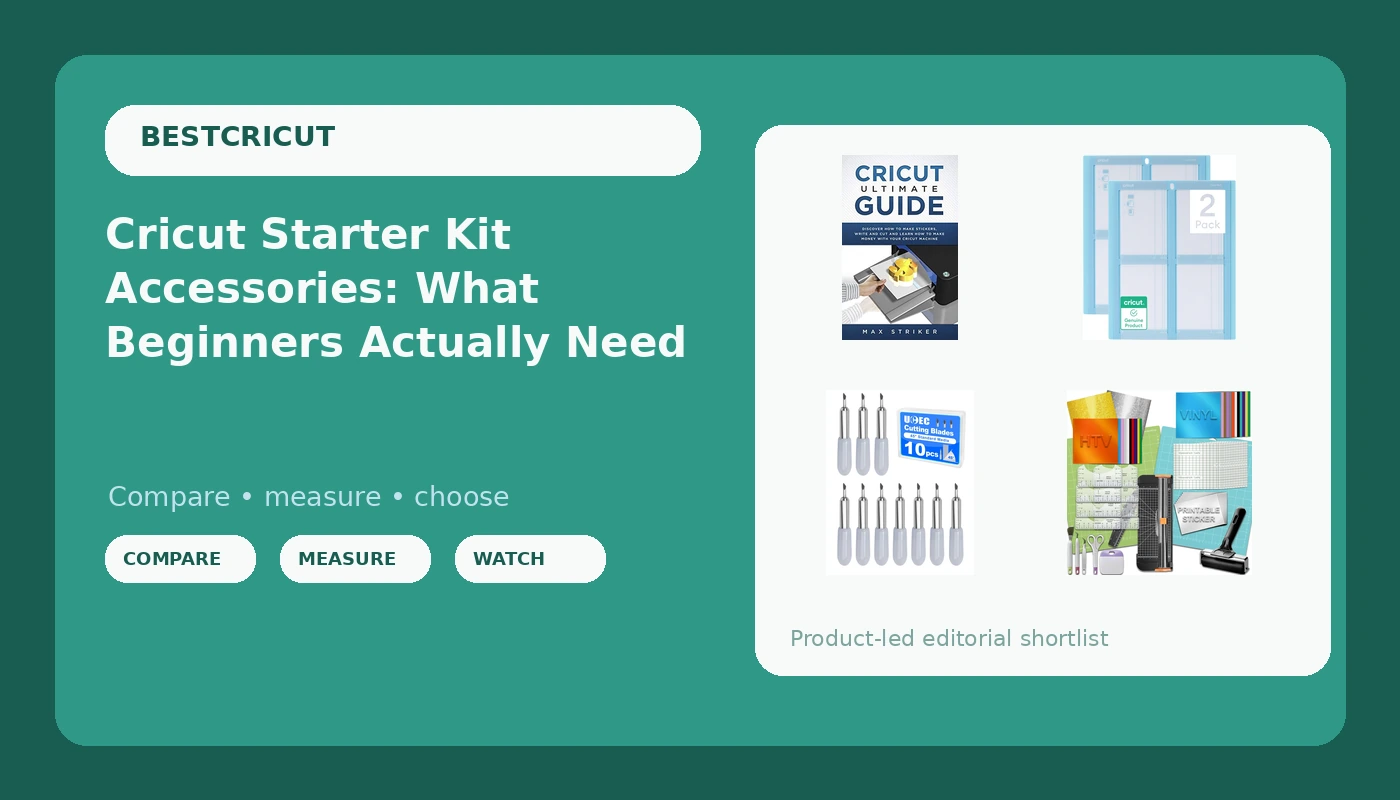
This article covers four items that do four different jobs in a Cricut setup. Together they represent the Cricut starter kit accessories most beginners actually reach for: a general bundle of small tools, a pack of replacement cutter blades, a card-making mat and insert set, and a structured guide book. None of them is a machine, and none of them is a substitute for learning your pressure settings.
Related: Cricut Blades and Mats: When to Replace Them →
Quick answer
If you are starting from nothing, a sensible order is blades first, then a general accessory bundle, then project-specific supplies, and finally a learning resource if you prefer reading to watching video. The LOPASA bundle is a broad accessory set for a new machine. The UCEC blade pack is a consumable for the Joy family. The Cricut card mat set is aimed at card projects specifically. The Cricut Ultimate Guide is a book about technique and selling, not hardware. Which one comes first depends on what you already own and what you plan to make. A new tool will not fix a dull blade, and no accessory restores a mat that has stopped gripping.
Four useful options
| Model | Best fit | What stands out |
|---|---|---|
| LOPASA Starter Kit Bundle Accessories Compatible with Cricut Machine | First machine, empty bench | Sold as a multi-item bundle rather than a single tool |
| UCEC 10 PCS Cutter Blades Compatible with Cricut Joy/Joy 2/Joy Xtra for DIY | Replacing a worn blade on a Joy | Ten blades listed for the Joy, Joy 2, and Joy Xtra |
| Cricut® Card Mat Cards, Inserts, Foil Transfer Inserts 2x2 (2ct) | Card projects | Groups a card mat, cards, and foil transfer inserts |
| Cricut Ultimate Guide: Discover how to make stickers and write and cut paper, and learn how to make money with the Cricut machine | Learning technique and pricing | Covers stickers, paper work, and selling |
Starter bundle: LOPASA Starter Kit Bundle Accessories Compatible with Cricut Machine
The trade-off with any bundle is that you pay for coverage you may not use. If you already own a scraper, a pair of tweezers, and a spare mat, a bundle mostly duplicates things. If you own nothing, a bundle is usually cheaper than assembling the same category of items one at a time, though you lose the ability to choose each tool deliberately. Bundles also tend to be compatibility-first products rather than brand-name ones, which matters if you want everything in your kit to come from the manufacturer's own line. Read the listing carefully to see what is actually included before assuming it covers a specific project.
Blade refill: UCEC 10 PCS Cutter Blades Compatible with Cricut Joy/Joy 2/Joy Xtra for DIY
Compatibility is the detail to check here. These are listed for the Joy family, which uses a different blade housing and blade size than the Explore and Maker lines, so they will not transfer to those machines. That is fine if you own a Joy and useless if you do not. The other thing to understand is that a multi-pack is not an invitation to change blades constantly. Blades dull gradually, and the usual sign is a cut that needs more pressure or leaves fuzzy edges. Keeping spares on hand is about not losing a project to a blade that gave out halfway through.
Card kit: Cricut® Card Mat Cards, Inserts, Foil Transfer Inserts 2x2 (2ct)
This is the most project-specific item of the four. If you make cards, a card mat is genuinely different from a standard cutting mat: it is built to hold a folded blank so you can cut a design into the front without slicing the back. If you do not make cards, none of this applies to you, and the money is better spent on vinyl or HTV. The foil transfer inserts point at a specific technique, foil accents, which needs its own tool and a steady hand. Buy this because you have card projects planned, not because it looks like a bargain.
The guide: Cricut Ultimate Guide: Discover how to make stickers and write and cut paper, and learn how to make money with the Cricut machine
Books and video tutorials solve different problems. A book is easier to work through in order and easier to keep open next to the machine, while video is better for watching a specific technique in motion. If you have already spent a few months in Design Space, a general guide may cover ground you know. If you are three projects in and still guessing at settings, structured instruction tends to pay for itself faster than another accessory. Treat the selling chapters as an overview rather than a formula, because a book about making money is not a business plan.
Prices and availability may change. Product images, names, and retailer links are matched to verified listings. No current price, rating, stock status, or measured result is stated here without current evidence.
What a Cricut setup actually consumes
Machines get the attention, but the ongoing cost of a Cricut sits in three places: blades, mats, and material. Understanding that split makes accessory decisions much easier.
Blades wear out. Every cut takes a little edge off the blade, and the harder the material, the faster it happens. Paper is gentle. Adhesive vinyl is moderate. Thick cardstock, felt, and anything with grit in it are harder on the edge. When a blade dulls, the symptoms show up as skipped sections, fuzzy edges, or a design that no longer separates cleanly from its backing. Many problems owners blame on the machine are blade problems.
Mats are consumables. A cutting mat works because it is slightly tacky. That tackiness collects lint, paper dust, and vinyl residue, and it fades with every pass. Once a mat stops holding material flat, cuts wander. Mats can be cleaned and partly revived, but they are not permanent, and buying them in multi-packs or from third parties is a normal part of the hobby.
Material is where the real money goes. Vinyl, HTV, cardstock, and specialty sheets are the supplies you replace most often, and brand-name versions are priced for convenience. The accessories in this article sit around the edges of that budget. They matter because a dull blade or a dead mat wastes the material you already paid for.
How to decide what to buy first
Work backwards from the project, not forwards from the accessory list. The most common mistake is buying a large bundle before you know what you make, then discovering that the tools you actually use were not in it.
- Name the project you will finish this month, not the category you are interested in.
- List what that project requires: material, a mat, a blade, and any transfer tool.
- Check what you already own against that list, including the blade currently in the housing.
- Buy only the gaps, preferring single items over bundles when you know the exact tool you want.
- Replace consumables before adding new accessories, because a fresh blade changes results more than a new gadget does.
Practical habits that protect your accessories
- Keep a spare blade on hand for the machine you actually use, and confirm the listed compatibility before ordering.
- Store blades in their packaging or a dedicated case, since a loose blade in a drawer loses its edge and cuts fingers.
- Clean mats with a light wipe rather than soaking them, and accept that tack fades with use.
- Match pressure settings to the material instead of leaving one preset for everything, because excess pressure dulls blades and cuts through backing.
- Buy material and mats from whichever source gives you the better price per sheet, and reserve brand-name purchases for items where fit genuinely matters.
Which option should you choose?
Choose the LOPASA Starter Kit Bundle Accessories Compatible with Cricut Machine when you have a new machine, almost no small tools, and you would rather buy one set than shop item by item. Choose the UCEC 10 PCS Cutter Blades Compatible with Cricut Joy/Joy 2/Joy Xtra for DIY when you own a Joy, Joy 2, or Joy Xtra and the blade in the housing is past its best. Choose the Cricut® Card Mat Cards, Inserts, Foil Transfer Inserts 2x2 (2ct) when card making is a project you have planned rather than a maybe. Choose the Cricut Ultimate Guide: Discover how to make stickers and write and cut paper, and learn how to make money with the Cricut machine when your bottleneck is technique and pricing rather than supplies.
One caveat applies to all four. Nothing here is a substitute for confirming compatibility with your specific machine, and none of these items is described as a replacement for manufacturer consumables where fit is critical. Check the listing details against the machine you own before ordering.
The bottom line
The accessory aisle is designed to make a new owner feel behind. Most of it is optional. The two things that genuinely change your results are a sharp blade and a mat that still grips, and both are cheap relative to the material they save. Start with the consumable that matches your machine, add a bundle only if your bench is empty, buy the card set only if cards are on your list, and consider the guide book if you are learning the craft rather than collecting tools. The machine is the entry point; the supplies are the ongoing relationship, and the more deliberately you choose them, the less of that money goes to waste.