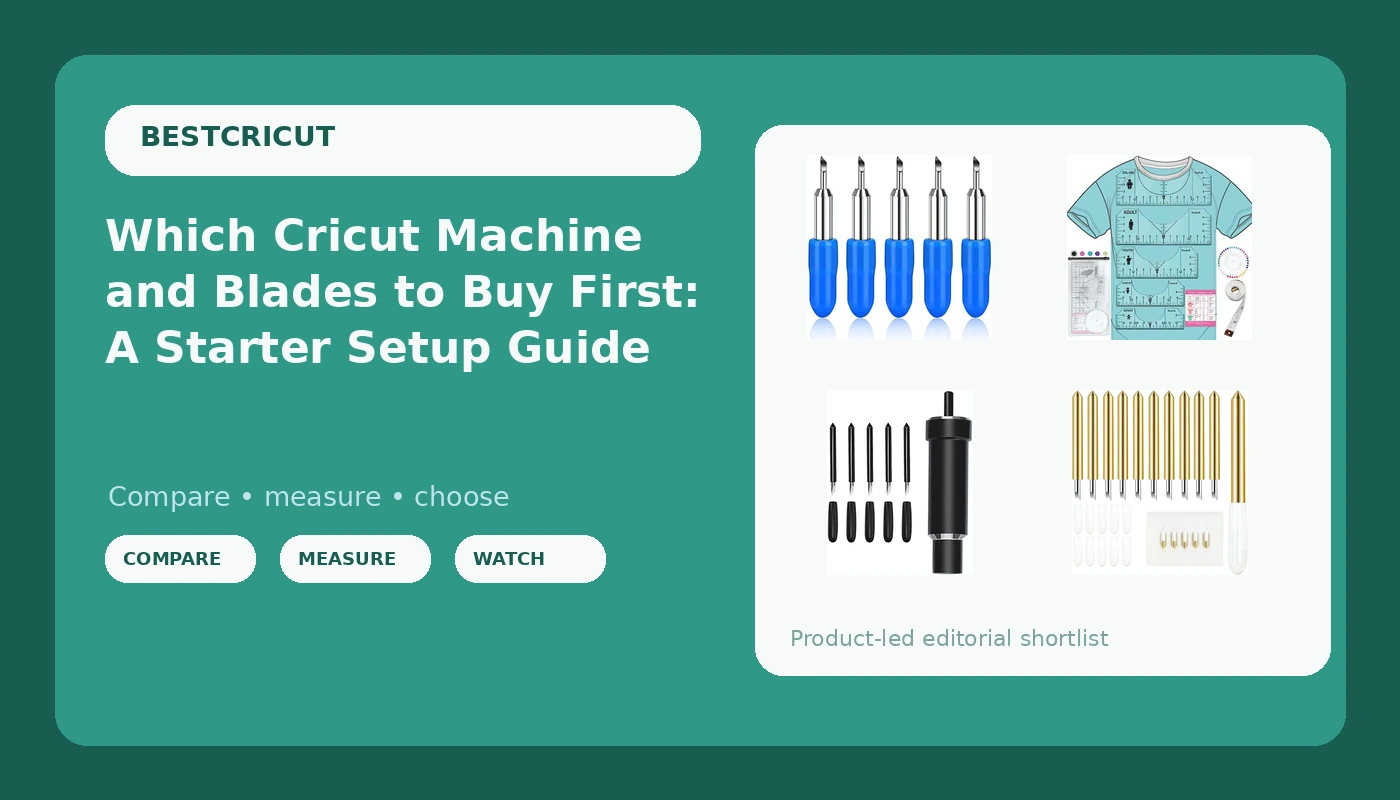
Setting up a first Cricut is rarely confusing because of the machine. It is confusing because of everything sitting next to it: blade packs labeled for some models and not others, housings sold separately from the blades that go in them, bundles that mix a cutter with supplies you may or may not need. The Cricut machine and blades you choose in the first month set your cost per cut for years, and the wrong blade purchase is the most common way a beginner wastes money.
This guide stays narrow on purpose. It covers six items: two machine bundles and four blade or alignment accessories. The goal is not to sell you the biggest machine or the largest accessory pile. It is to sort out which machine format fits the work you actually do, which blades fit that machine, and where a cheap consumable saves more money than a premium accessory ever will.
Related: Cricut Blade Types and What They Actually Cut
Quick answer
The Cricut Explore® 5 + Deluxe Bundle + Digital Content, Taupe is the strongest fit for a first full-size machine setup because it pairs the cutting machine with a deluxe bundle and digital content in a single purchase instead of sending you back to the store for starter supplies. Choose the Cricut Joy 2 Essential Bundle + Rainbow Sampler instead when your projects are small format and you would rather not pay for cutting width you will not use.
Cricut machines and cutting accessories worth comparing
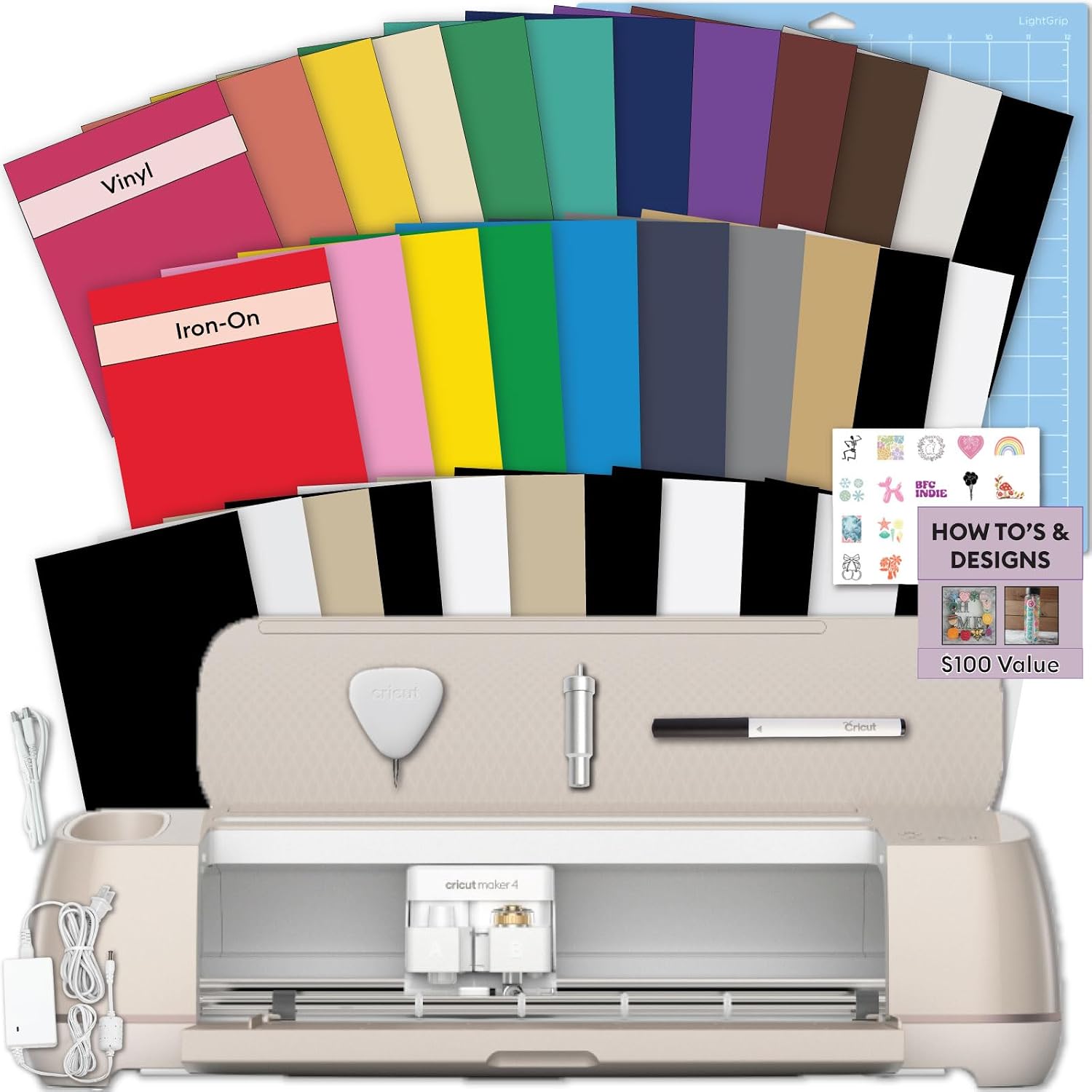
Cricut Explore® 5 + Deluxe Bundle + Digital Content, Taupe
A bundle built around the Explore 5 machine, paired with a deluxe bundle of accessories and digital content, so a new owner starts with a cutter and a first set of supplies rather than a bare machine and a second shopping list.
Visit on Amazon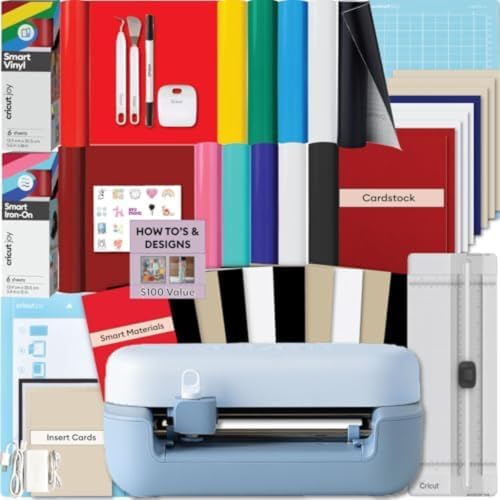
Cricut Joy 2 Essential Bundle + Rainbow Sampler
The Joy 2 in a bundle with essential supplies plus a rainbow sampler of materials. A sensible entry point for small-format cutting and sticker work where a full-size machine is more capacity than the job requires.
Visit on Amazon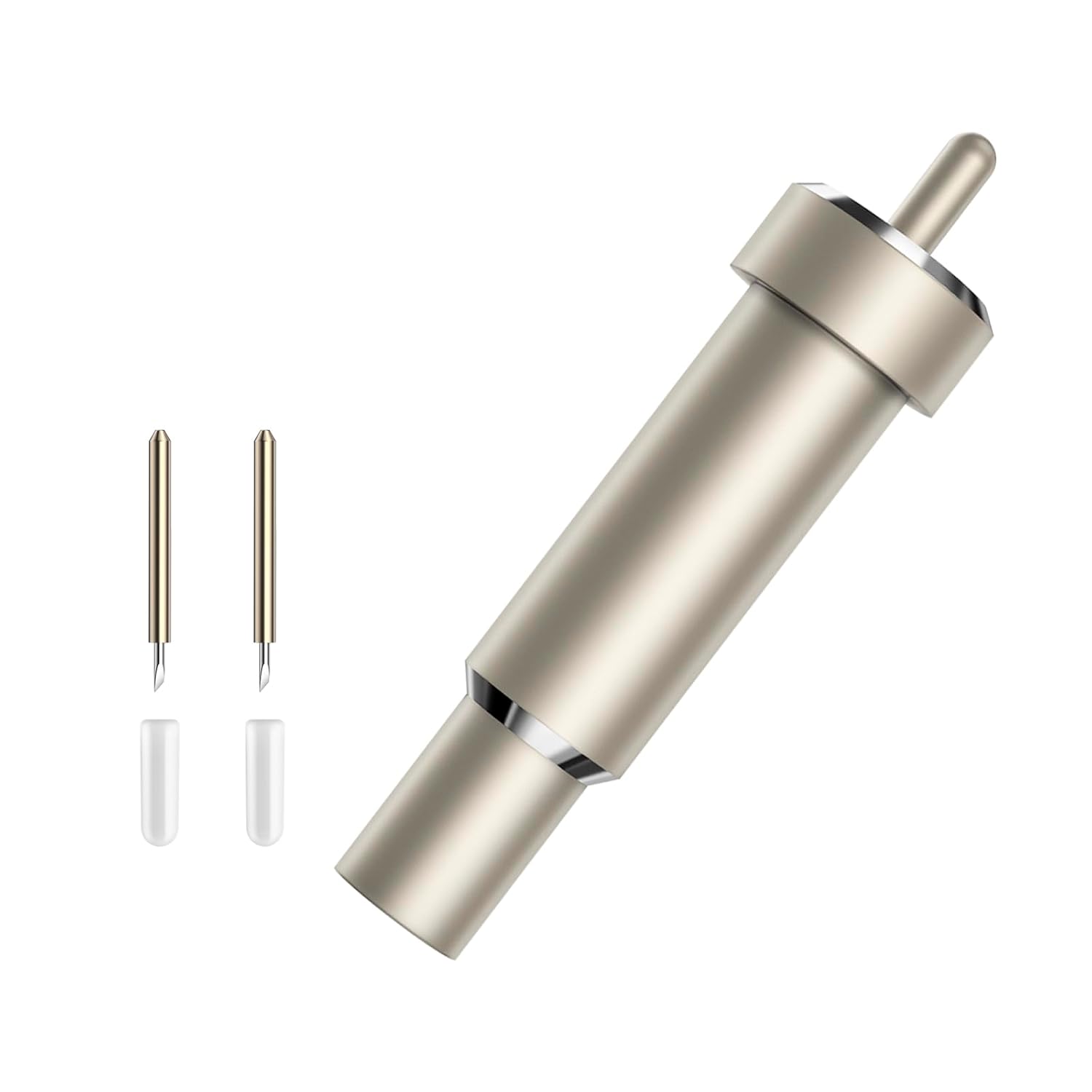
10-Pack Fine Point Blades for Cricut Maker & Explore
Ten fine point replacement blades listed for the Maker and Explore families. Buying blades in a multi-pack is the cheapest way to stop treating a dull blade as a broken machine.
Visit on Amazon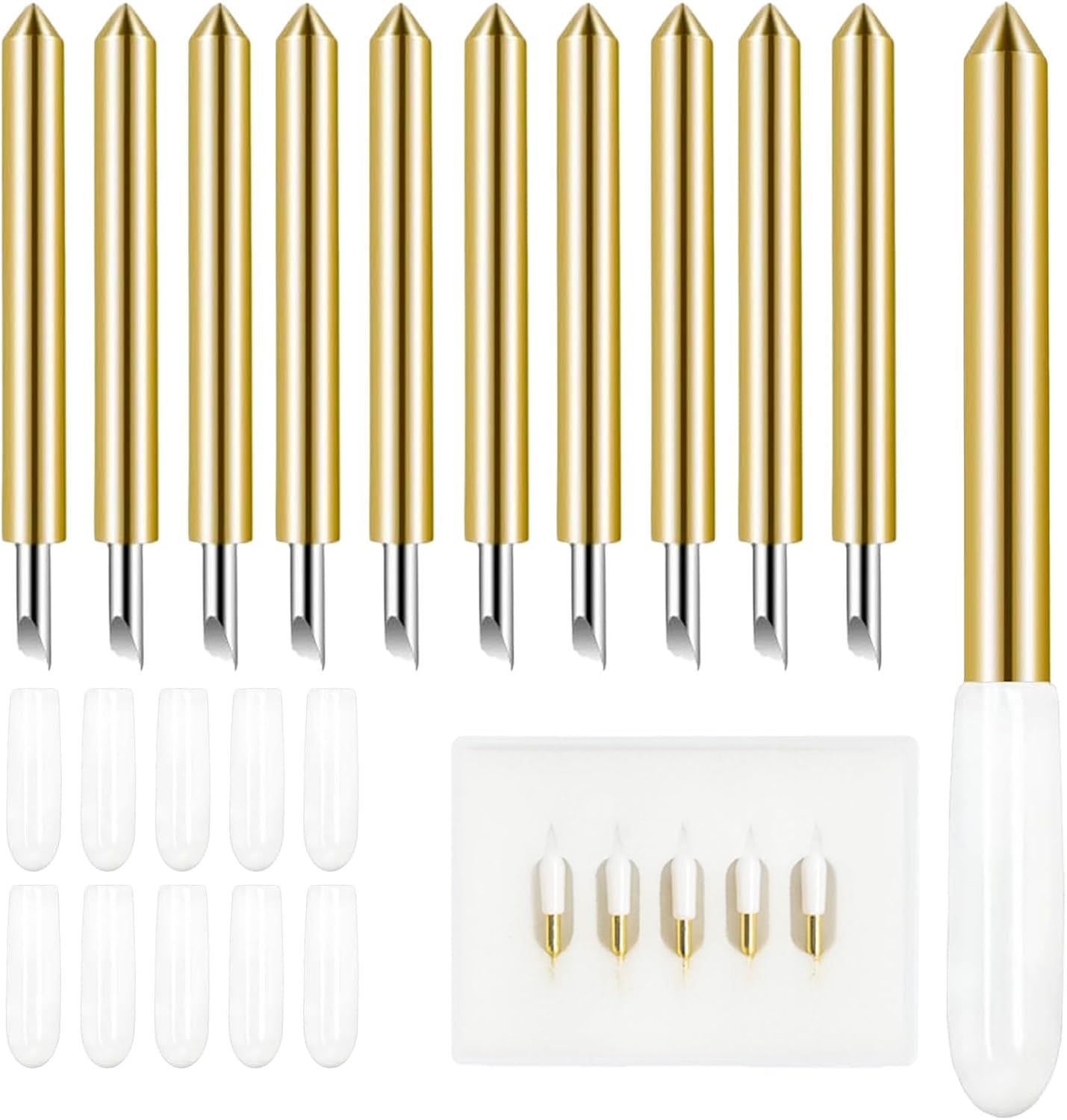
5pcs Replacement Cutting Blades for Joy Machine and Joy Xtra Smart Cutting Machine Blades, Cutting Blades,Cut Vinyl Fabric Carbide Standard Blades
Five carbide standard cutting blades listed for the Joy and Joy Xtra machines. Joy owners need their own blade stock, because these do not carry over to the full-size machines.
Visit on Amazon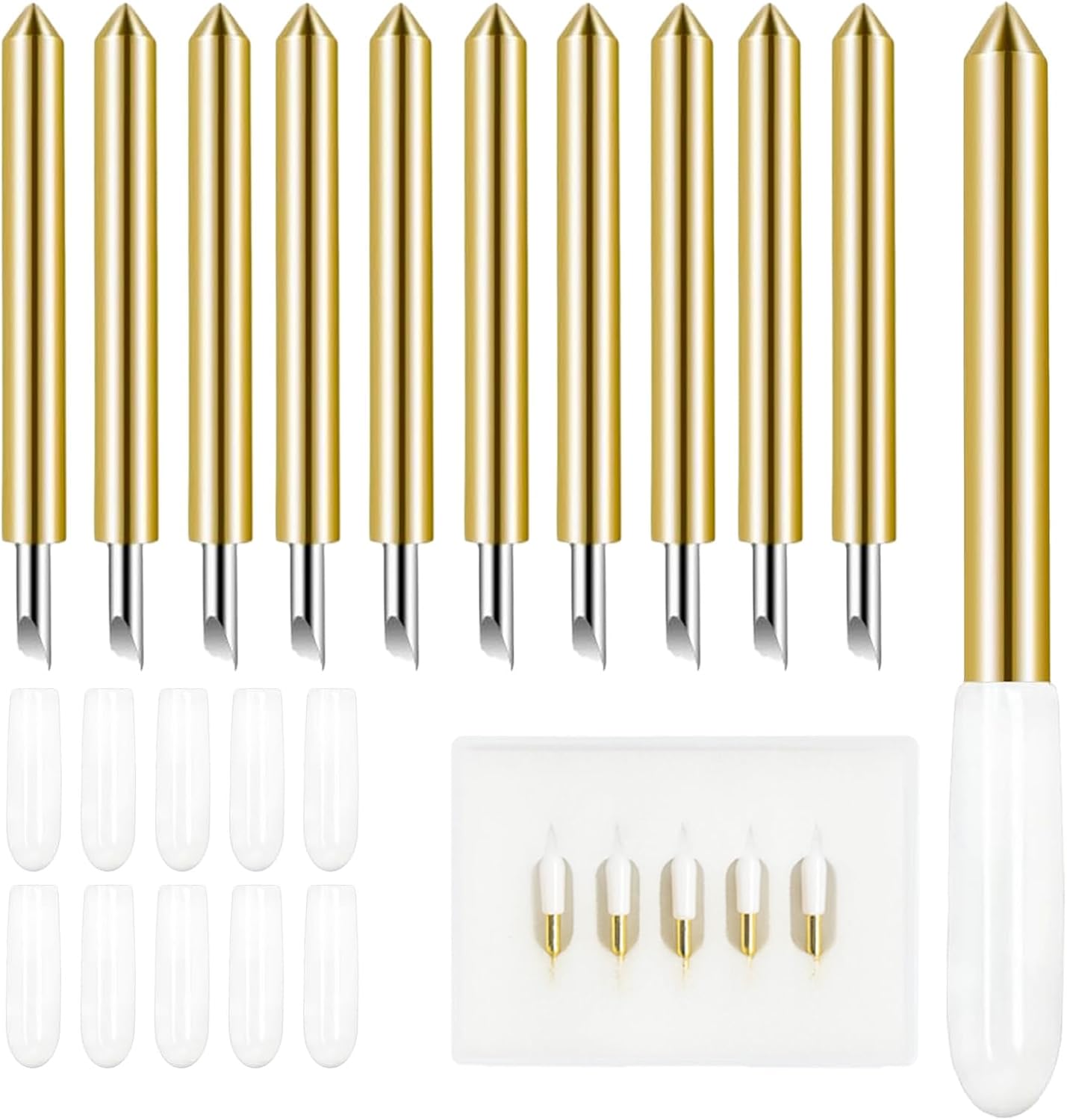
Deep Cut Housing +5 Pcs Deep-Point Blade, AUNKZL Replacement Deep Cut Blade Suitable for Explore Air One/Air/Air 2/ Air 3 / Maker/Maker 3 Cut Materials Up to 1.5mm Thickness, for Personalized Crafts
A replacement deep cut housing with five deep-point blades, listed for the Explore Air One, Air, Air 2, Air 3, Maker, and Maker 3, and rated for materials up to 1.5 mm thick.
Visit on Amazon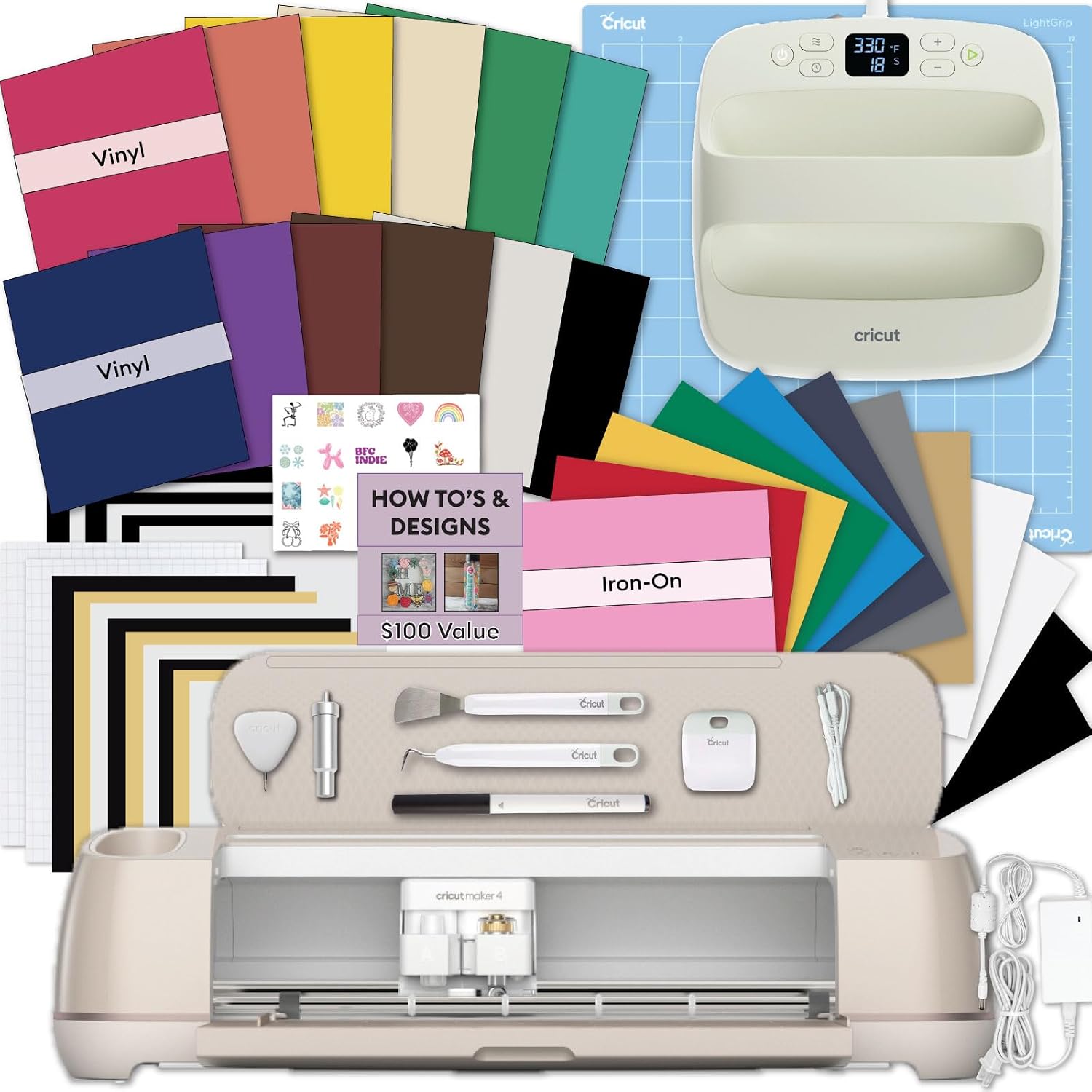
Vowlove T-Shirt Ruler for Precise Vinyl Alignment, Heat Press Guide Tool
An alignment ruler for positioning vinyl and HTV on a T-shirt before pressing. Not a cutting accessory, but it is the difference between a design that sits where you planned and one that drifts to one side.
Visit on AmazonPrices and availability may change. Check the retailer for current details.
How these products were compared
This guide compares machine format, blade compatibility by machine family, blade type and what each blade is rated to cut, whether a product is a machine or a consumable, and the replacement economics of buying blades in a pack rather than one at a time. Product names, images, and retailer links are matched to the same verified product record so that every card points to the product shown.
Nothing here is a lab test. The distinctions that matter are the ones printed on the product listings themselves: which machines a blade is listed for, what thickness a deep cut setup is rated for, and whether a bundle includes materials and digital content or just the machine. Those facts are enough to sort a six-item shortlist into a sensible order, and they are also the facts most buyers skip before ordering.
How to choose the right Cricut machine or blade
Start with the size of the thing you cut most often. If your projects are stickers, labels, small decals, and card-sized pieces, a compact machine covers the work and keeps your spending on materials instead of on width you never use. If you cut shirts, signs, larger decals, or full sheets of vinyl, a full-size machine is the more honest purchase, and the bundle versions are usually the better value because they arrive with accessories and digital content attached. Buying the machine alone and then assembling a supply list piece by piece almost always costs more in the first month.
The second decision is blade compatibility, and it is where beginners lose money. Blades are not universal. Fine point blades in a ten-pack are listed for the Maker and Explore families. The Joy and Joy Xtra use a different blade stock entirely, so a Joy owner should not buy the ten-pack just because it is cheap per blade. Deep cut housings are another separate purchase: the housing holds the blade, and it is listed for specific machines, in this case the Explore Air One, Air, Air 2, Air 3, Maker, and Maker 3, with a rating for materials up to 1.5 mm thick. Before you buy any multi-pack, match the listing to the exact machine on your desk, not to the brand name. If you are unsure how housings and blades relate, read how a blade housing differs from a blade before you check out.
The third decision is how you buy blades over time. A single blade bought at retail is the most expensive way to cut anything. A multi-pack turns blade changes into a routine instead of an event, and routine blade changes are what keep cut quality stable. If your cuts start tearing or leaving fuzzy edges, the cheapest diagnostic is a fresh blade, not a new machine.
Finally, budget for the software side separately from the hardware. Cricut sells the machine once, and the design software is where the recurring spending lives. None of the six products here require a subscription to function, and the machine bundles include digital content, which covers your first projects. That is worth knowing before you start adding accessory purchases on top of a machine purchase in the same week.
Cricut Explore® 5 + Deluxe Bundle + Digital Content, Taupe
The Explore 5 bundle is the top pick because it solves the setup problem in one order. You get the machine, a deluxe bundle of accessories, and digital content, which means your first evening with the cutter is spent cutting rather than waiting on a delivery of mats and materials. For anyone whose projects are shirt-sized or larger, that is the format decision made correctly the first time.
The trade-off is straightforward. This is the most expensive item in this guide, and if your actual work is small-format, you are paying for cutting width and a bundle volume you may not use. It is also a bundle, which means you take the accessory selection that comes with it rather than choosing each piece yourself. If you already own mats, tools, and vinyl, a bare machine plus the specific blades you need may be the leaner path.
Alternatives to consider
The Cricut Joy 2 Essential Bundle + Rainbow Sampler is better suited to small-format work, where the machine stays on a desk and the projects are stickers, labels, and small decals. It arrives with essential supplies and a sampler of materials, so the first cuts do not require a separate supply order. The 10-Pack Fine Point Blades for Cricut Maker & Explore is a stronger fit when you already own a Maker or Explore machine and want to stop buying blades one at a time, since the multi-pack is where the per-blade cost drops.
The 5pcs Replacement Cutting Blades for Joy Machine and Joy Xtra, the Deep Cut Housing +5 Pcs Deep-Point Blade, and the Vowlove T-Shirt Ruler cover the three remaining jobs. The five-pack is the blade stock to keep on hand if your machine is a Joy or Joy Xtra, and it is not a substitute for the ten-pack if your machine is a Maker or Explore. The deep cut housing and deep-point blades open up thicker materials, listed up to 1.5 mm, on the Explore Air One, Air, Air 2, Air 3, Maker, and Maker 3. The T-shirt ruler is the odd one out, a heat press alignment tool rather than a cutting accessory, and it belongs in the order if you press HTV onto apparel and want placement to be repeatable instead of eyeballed.
Day-to-day use and maintenance
Blades dull faster than most packaging implies, and a dull blade usually announces itself before it fails: cuts that need extra passes, edges that tear instead of separating cleanly, and corners that pull away from the mat. Keeping spare blades in the drawer is the single most useful maintenance habit, because a blade swap takes seconds and rules out the most common cause of a bad cut before you start changing settings.
Store blades so the tips are protected, and keep the housing free of lint and vinyl debris, since grit in the housing is what makes a blade sit at the wrong depth. Mats are a consumable too: when a mat stops holding material flat, replace it rather than compensating with extra pressure, because extra pressure accelerates blade wear and can cut through the mat backing. If you cut thicker materials with a deep-point blade, check the listing's thickness rating first rather than pushing a standard blade deeper. And if you press HTV, align and measure before the heat goes on, because pressed vinyl does not get a second attempt.
Buying checklist
- Measure the largest project you realistically cut, and pick the machine format from that number rather than from a wish list.
- Match every blade purchase to your exact machine, since Joy and Joy Xtra blades do not fit Maker and Explore machines and the reverse is also true.
- Decide whether you need a standard blade housing or a deep cut housing, and confirm the depth rating suits the material thickness you use.
- Confirm that the exact bundle you are buying includes the accessories and digital content you expect, not a machine-only listing with a similar name.
- Read the cleaning, storage, and maintenance instructions that come with blades and housings.
- Verify the current retailer price, availability, and return terms before you order, since bundle contents and pricing change.
Final recommendation
Choose the Cricut Explore® 5 + Deluxe Bundle + Digital Content, Taupe when your projects are full-size, when you want the machine, accessories, and digital content in one purchase, and when you would rather not spend your first week sourcing supplies. Choose the Cricut Joy 2 Essential Bundle + Rainbow Sampler when your work is small format and a compact setup is a better match than a larger machine. Either way, add the blade pack that matches your machine family, because the blades are where the ongoing cost lives, and buy them in a multi-pack if you cut regularly. If your machine is an Explore Air One, Air, Air 2, Air 3, Maker, or Maker 3 and you cut thick materials, the deep cut housing is the upgrade that expands what the machine can do.